How can I generate a monthly report of work orders for each status?
Generating a monthly report of work orders for a specific status helps you track progress. To do this, follow these steps:
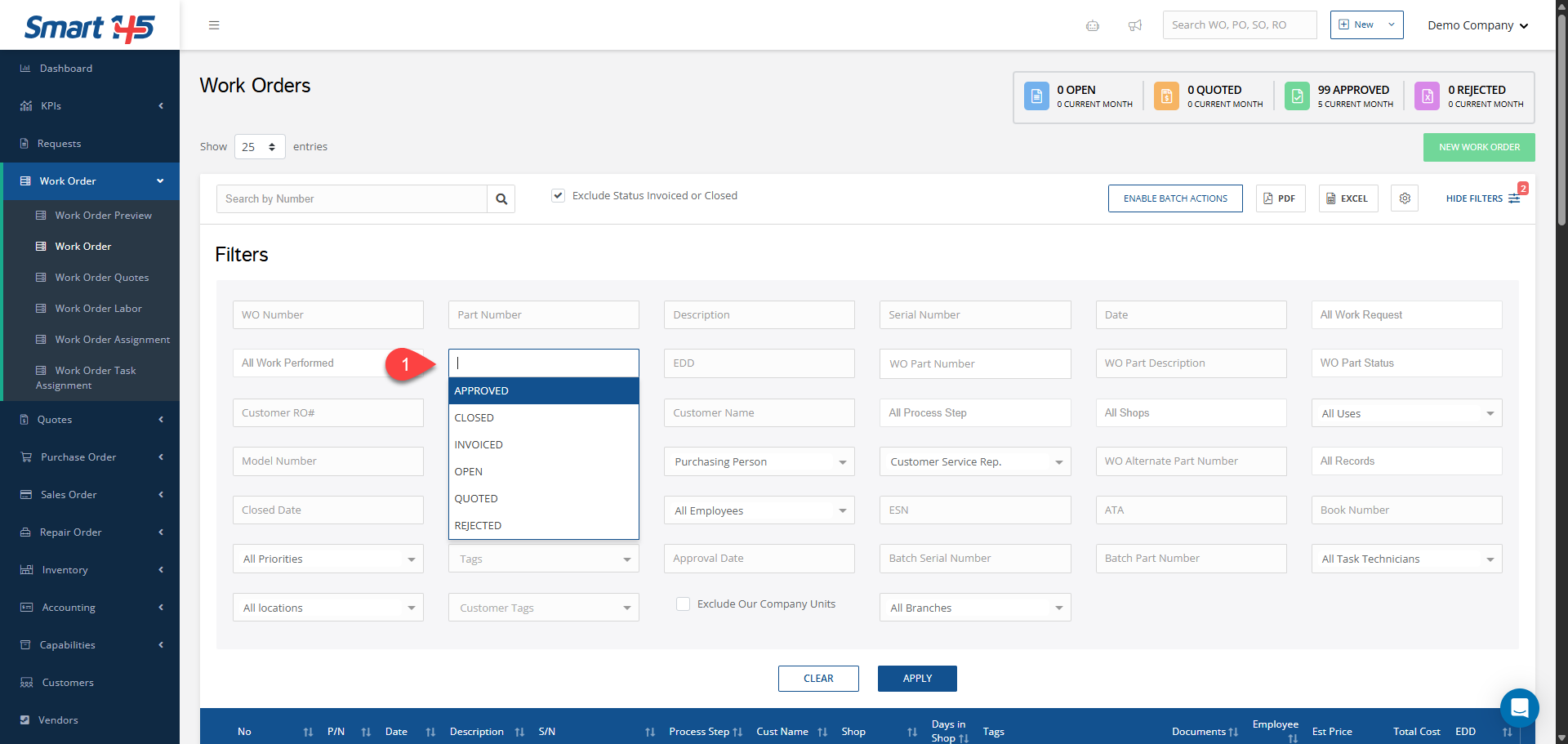
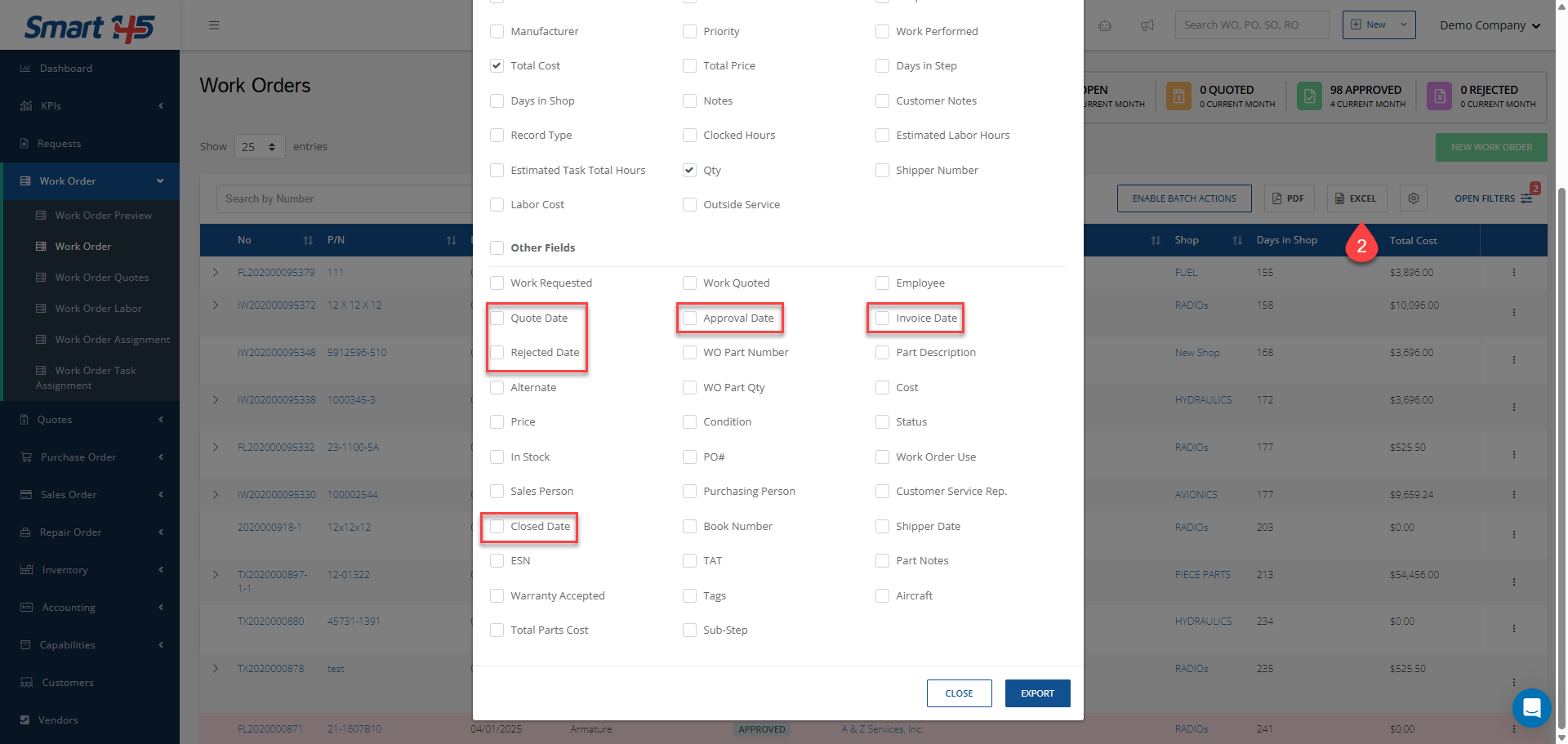
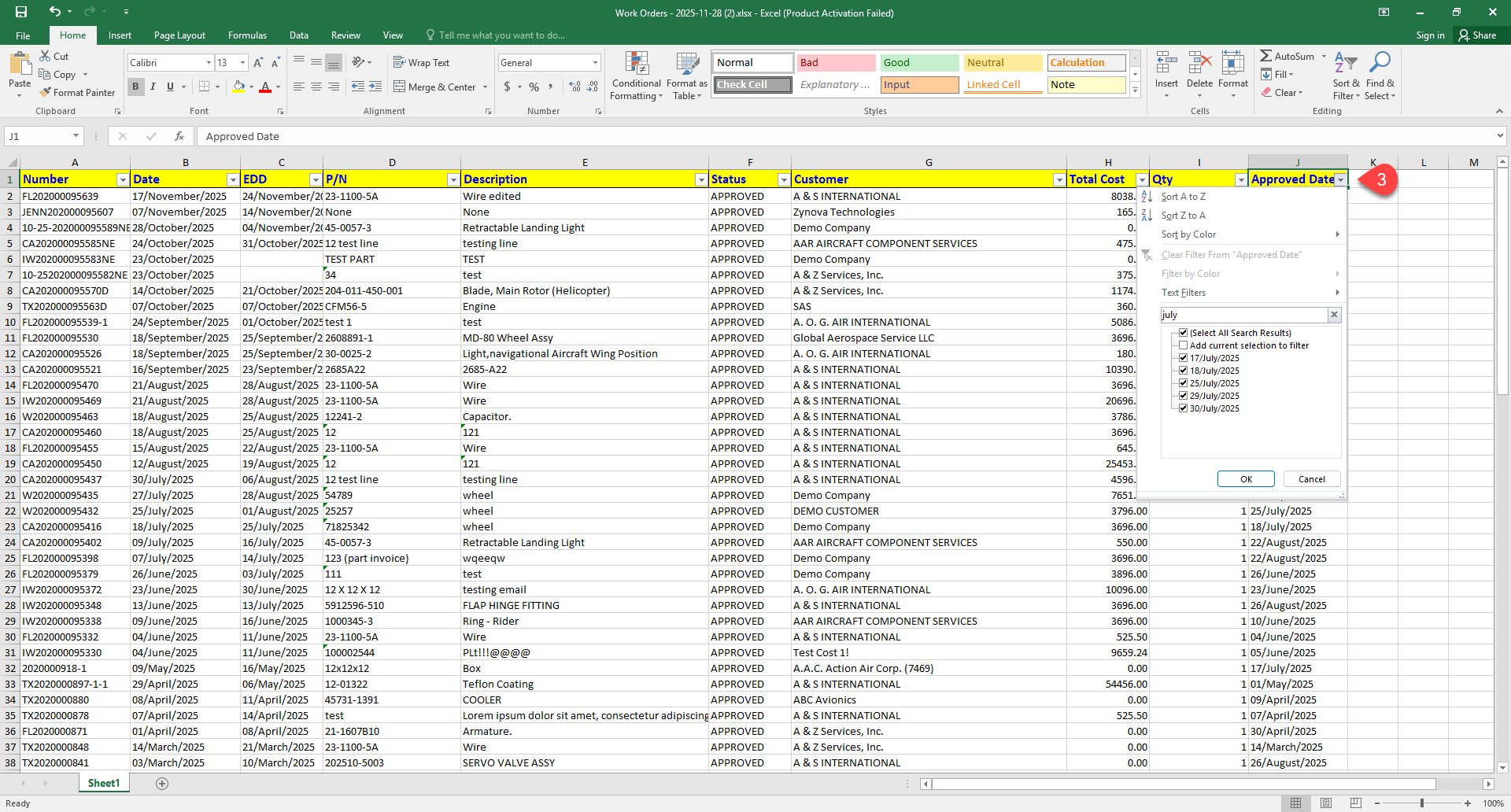
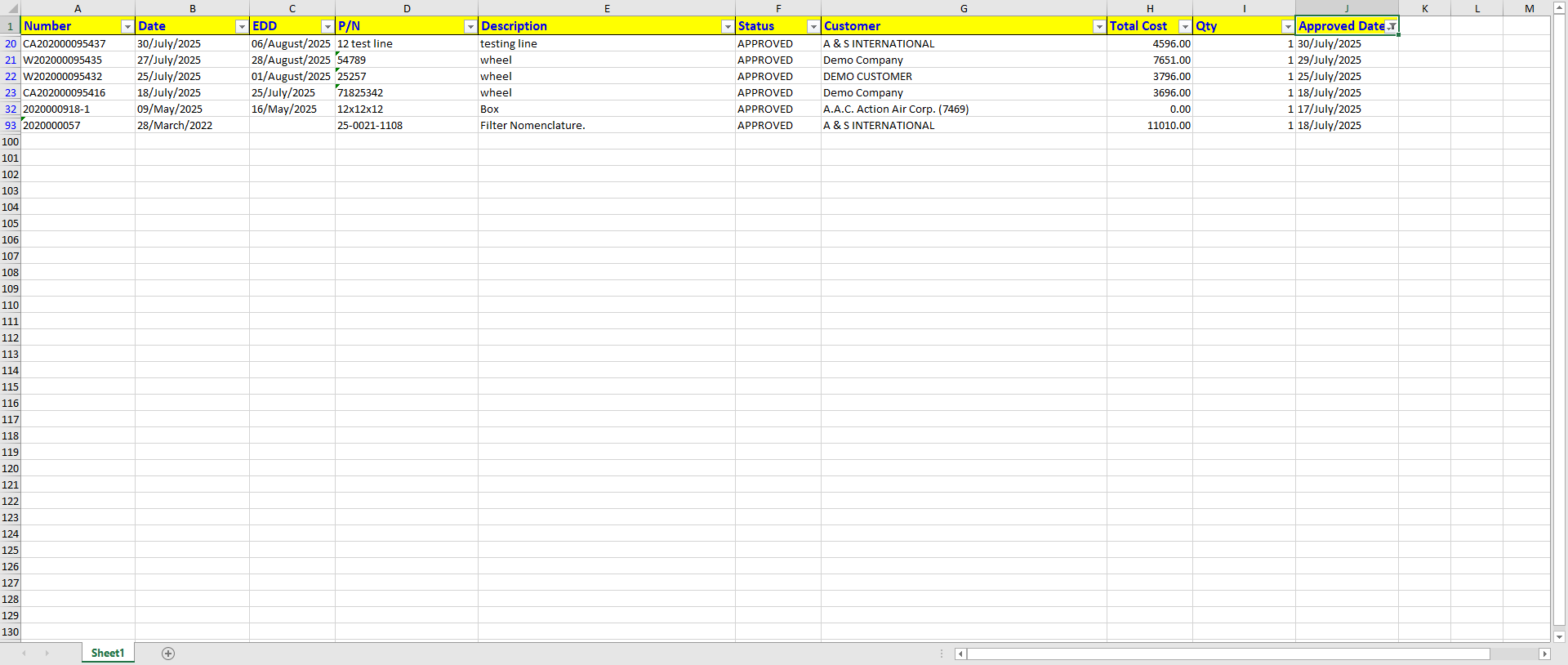
1- Open the filters and select the desired status, this ensures that only the work orders with the status you want to report on are included 2- Go to the export options and select only the fields you need, including the date associated with the selected status. 3- After exporting, open the Excel file and filter the date column to include only the desired month ( e.g. July)