You can set up automatic notifications for customers based on specific actions, such as creating a Work Order, invoicing it, or updating the shipped.
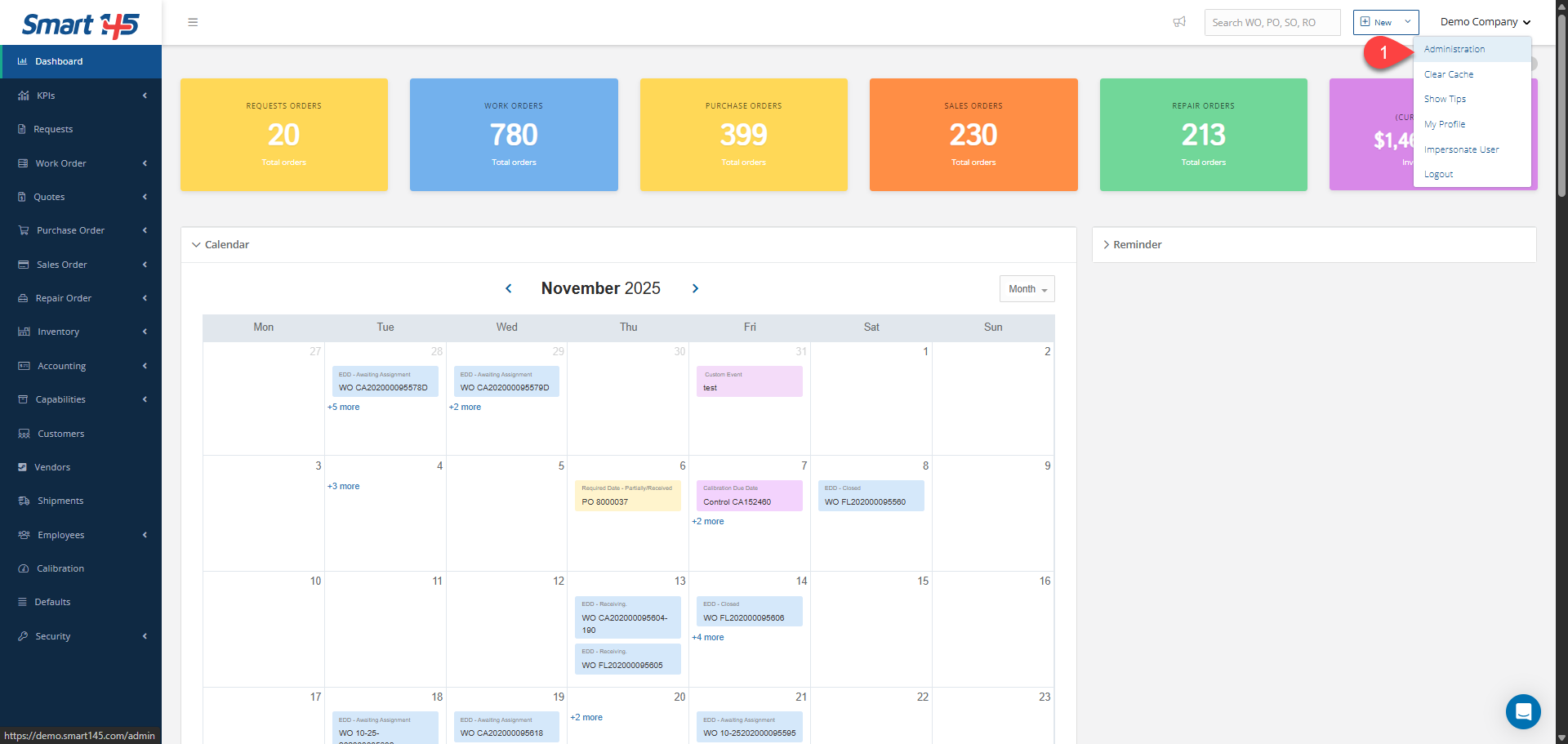
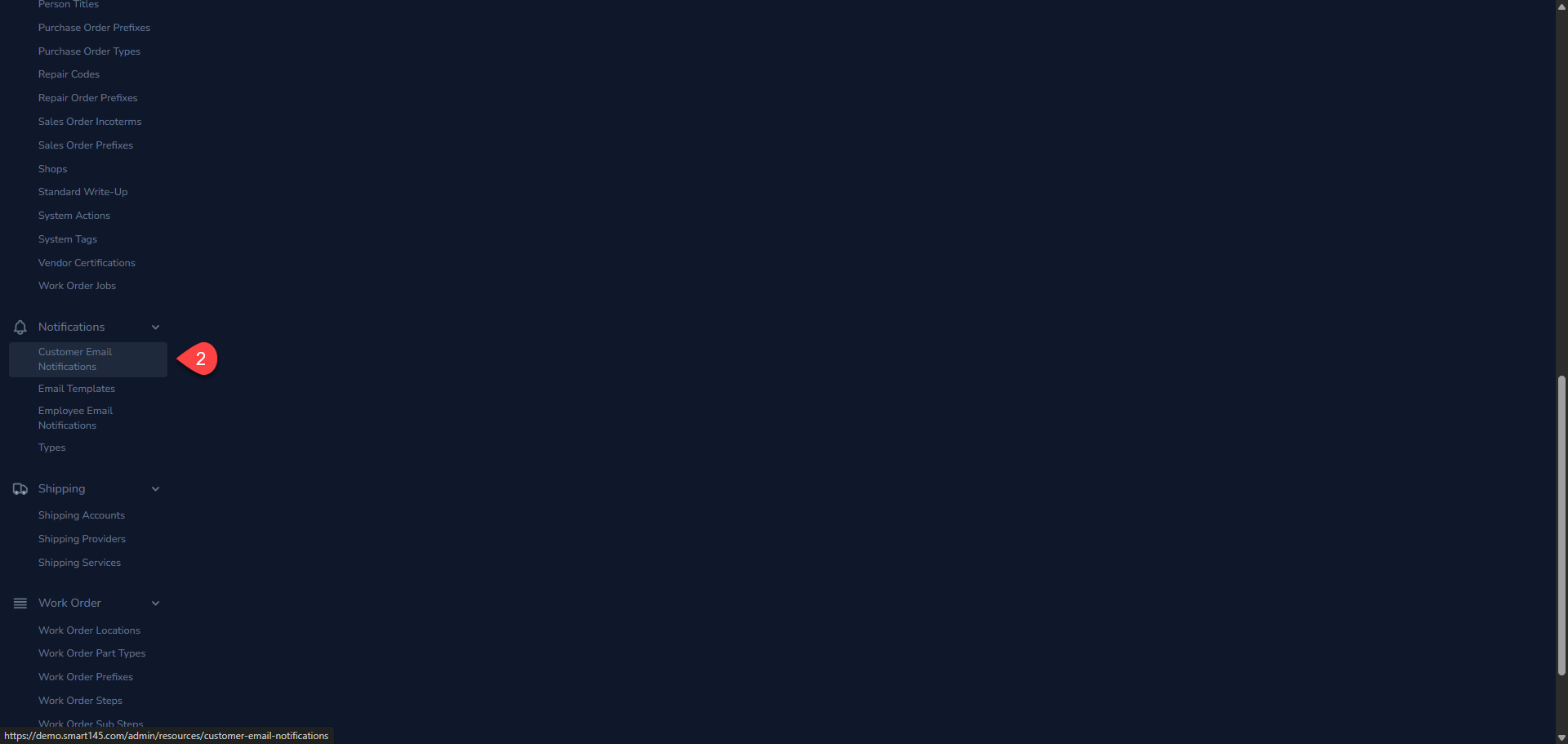
To do so, navigate to the Administration section.
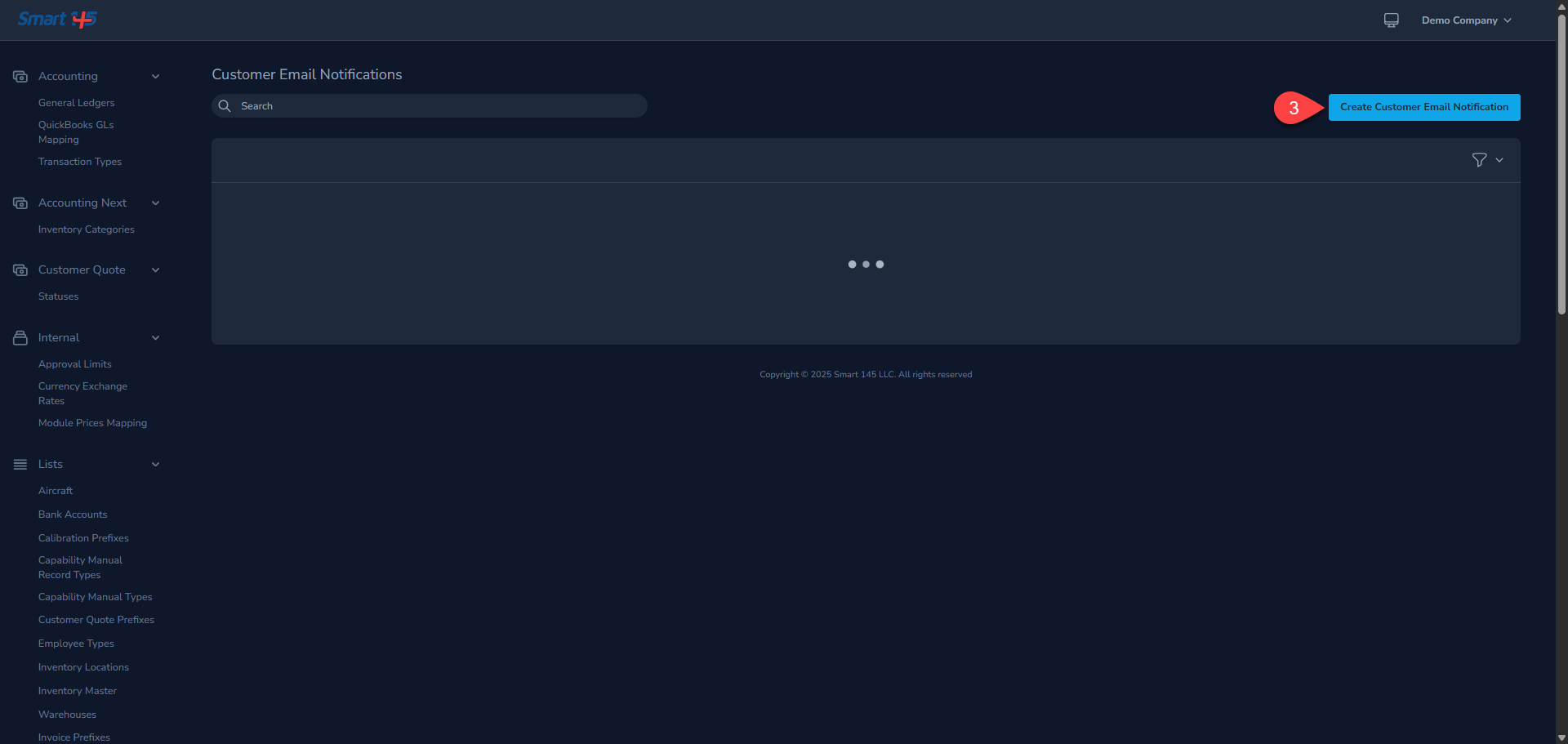
In this new page you need to:
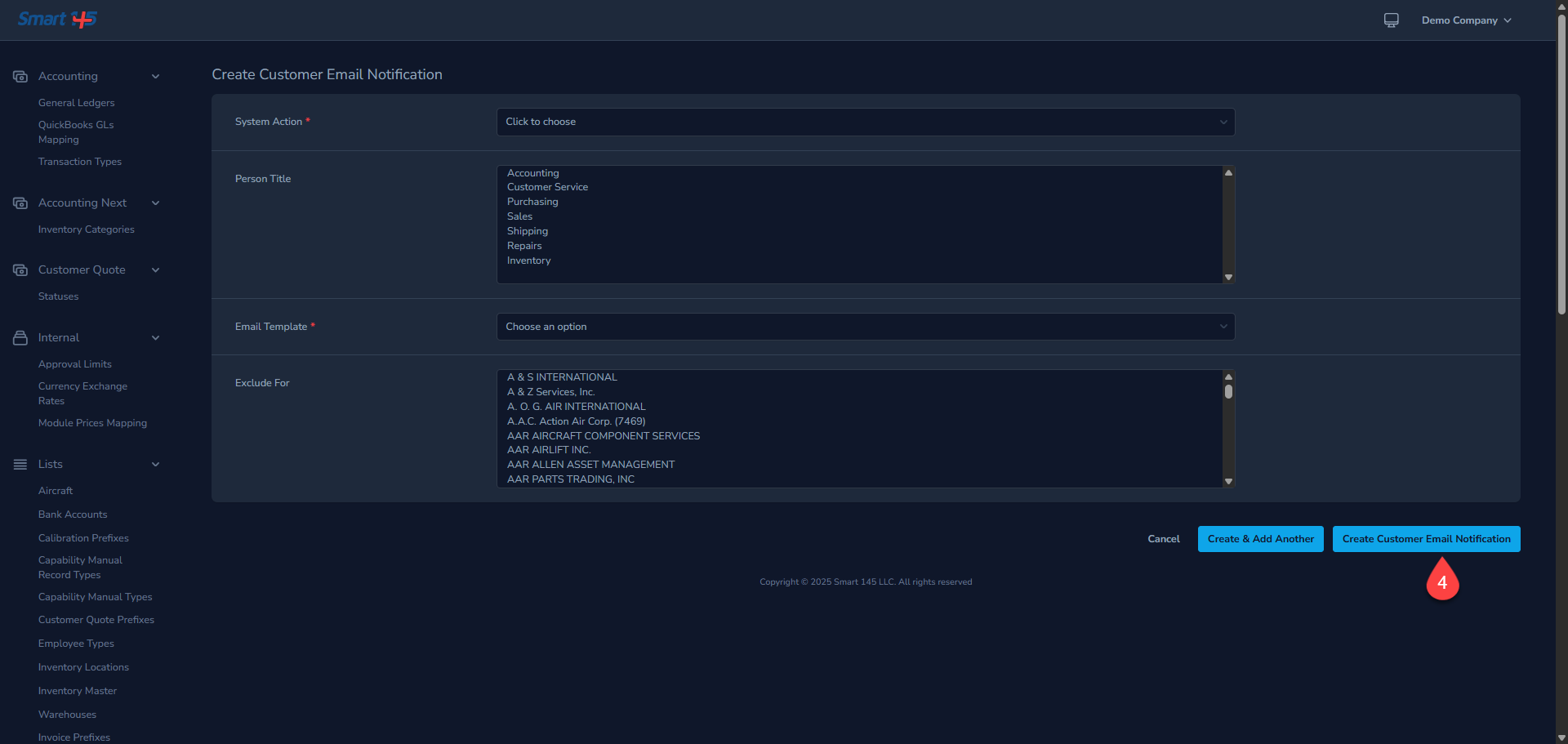
Choose the system action that will trigger the customer notification.
Select the contact title of the person who should receive the notification.
Choose the email template that will be used to send the notification.
If needed, select any companies you want to exclude from receiving this notification.
Choose the system action that will trigger the customer notification.
Select the contact title of the person who should receive the notification.
Choose the email template that will be used to send the notification.
If needed, select any companies you want to exclude from receiving this notification.