How to Use Warehouse Assignment to Restrict Which Parts Can Be Issued on a Customer’s Work Orders?
Assigning a warehouse to a customer provides an important level of control and organization within Smart 145. Once a customer is linked to a specific warehouse, any Work Orders created for that customer will only allow issuing parts that belong to that assigned warehouse. This ensures that the repair process for that customer uses parts exclusively from the designated location, helping teams maintain proper inventory separation and organize warehouse stock according to each customer’s requirements. To enable this feature on your system, please contact our team by emailing support@smart145.com, and we will gladly activate it for you.
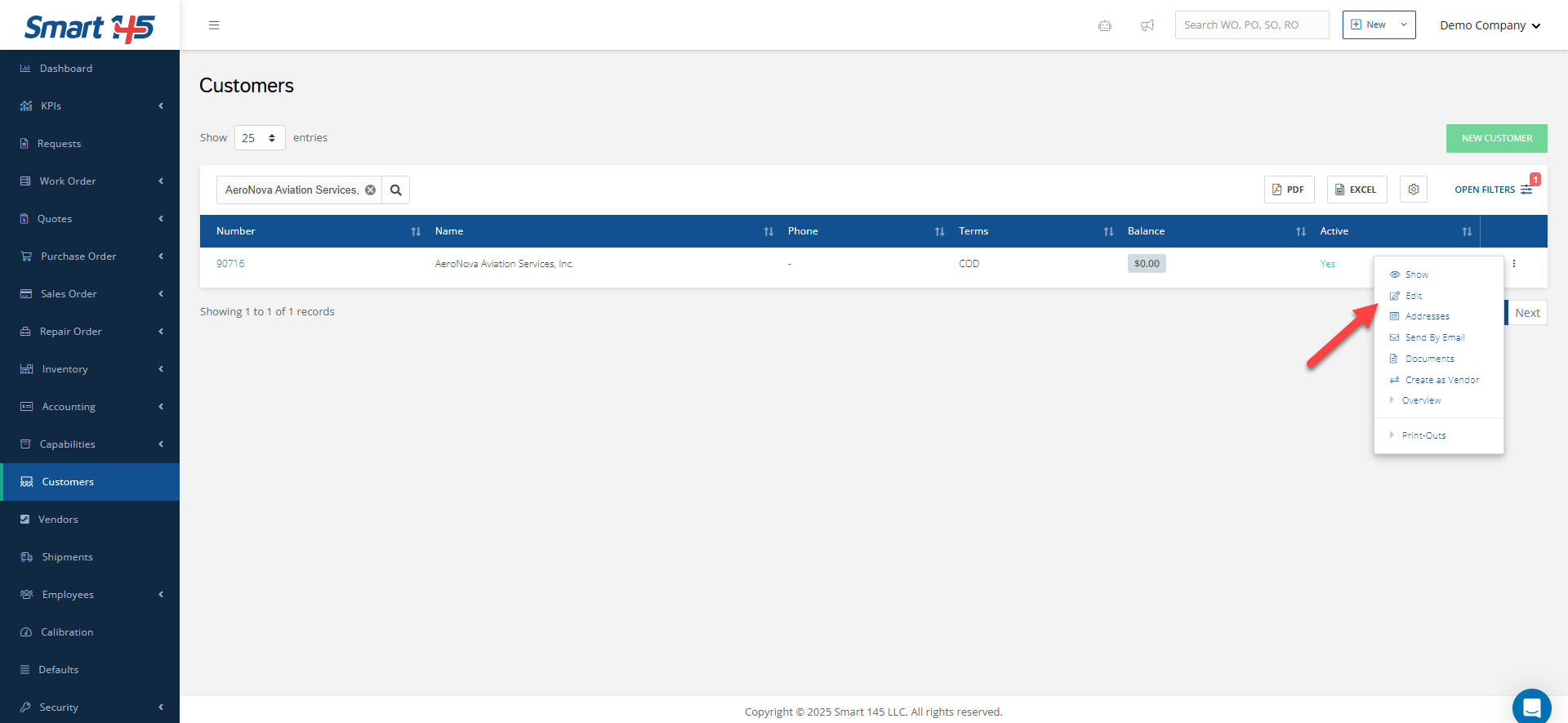
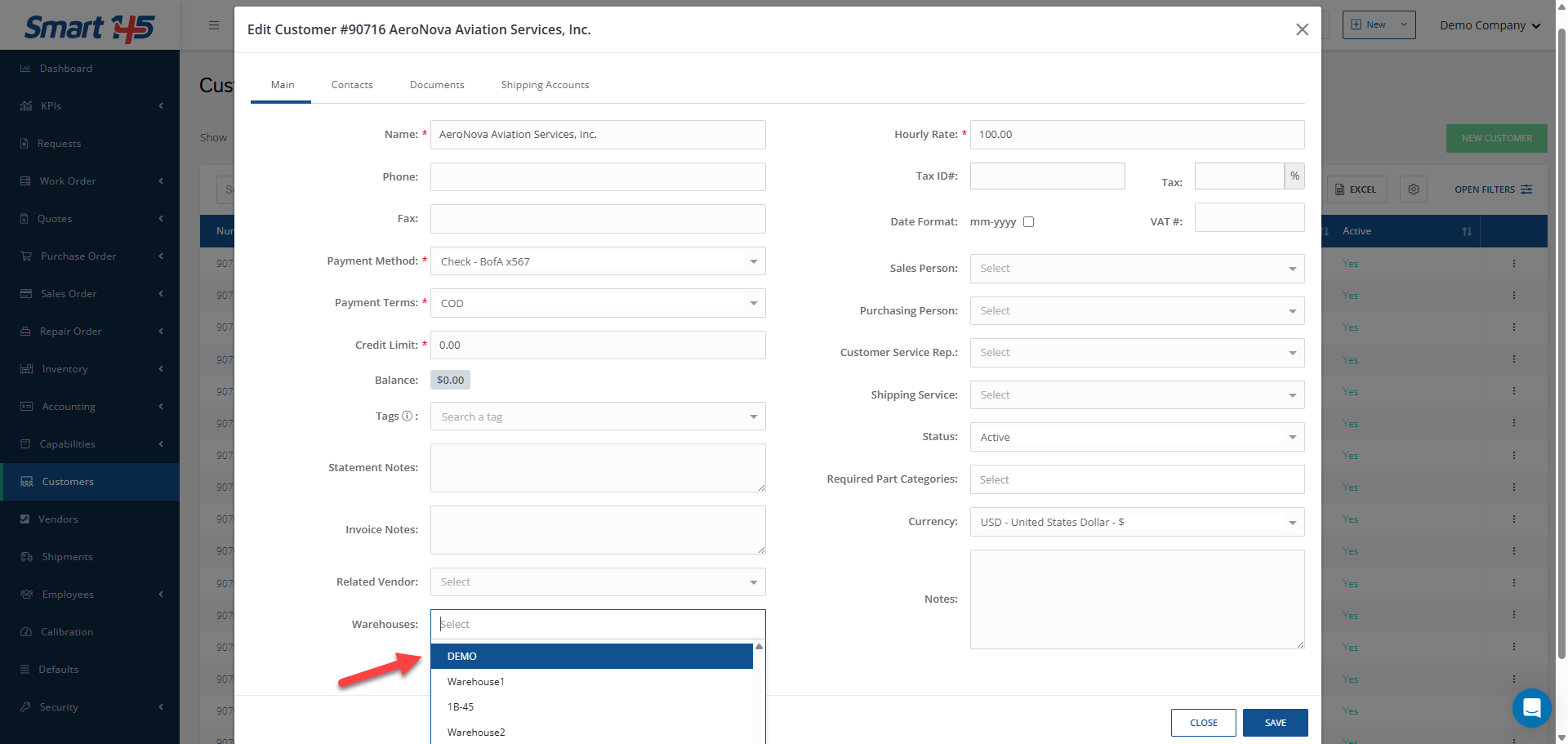
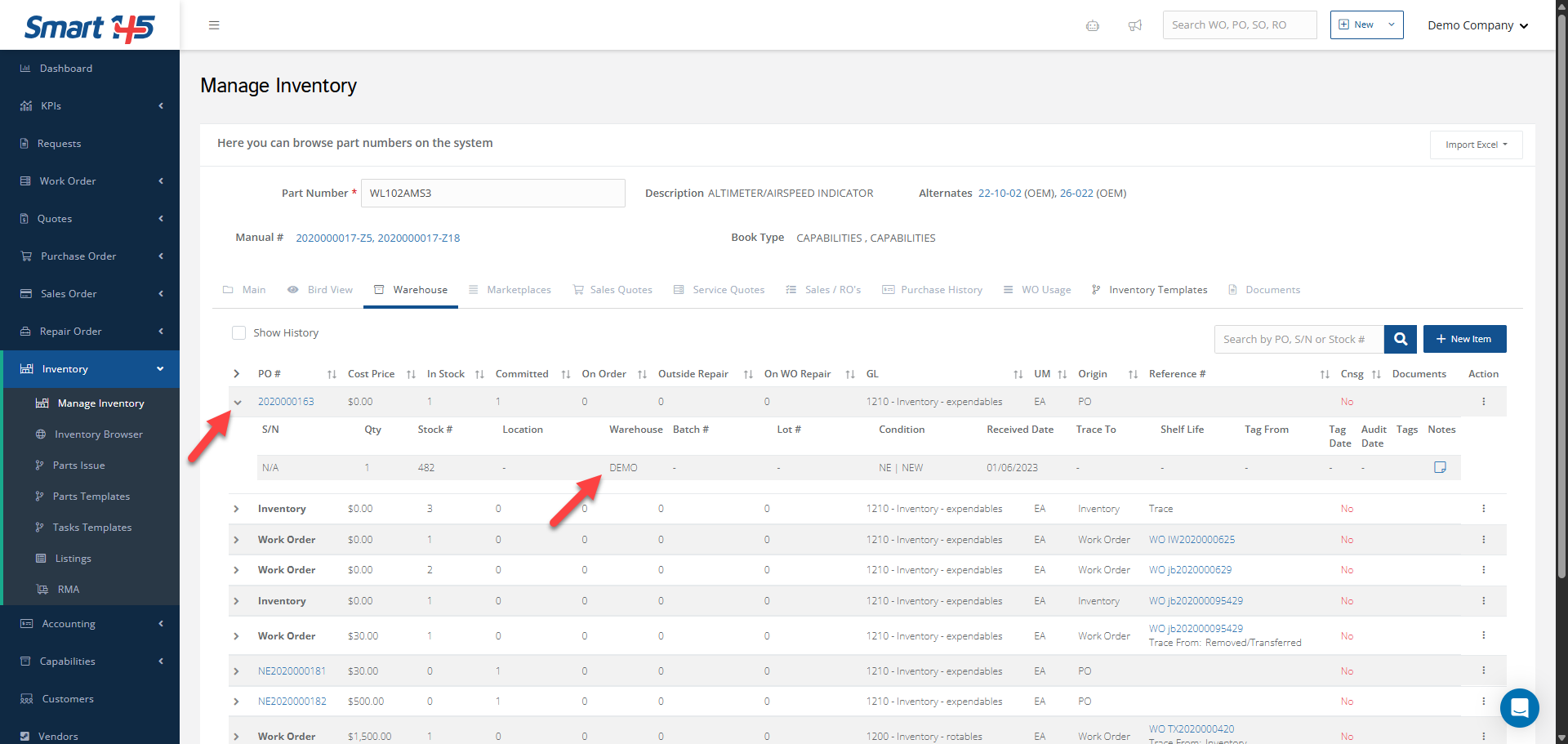
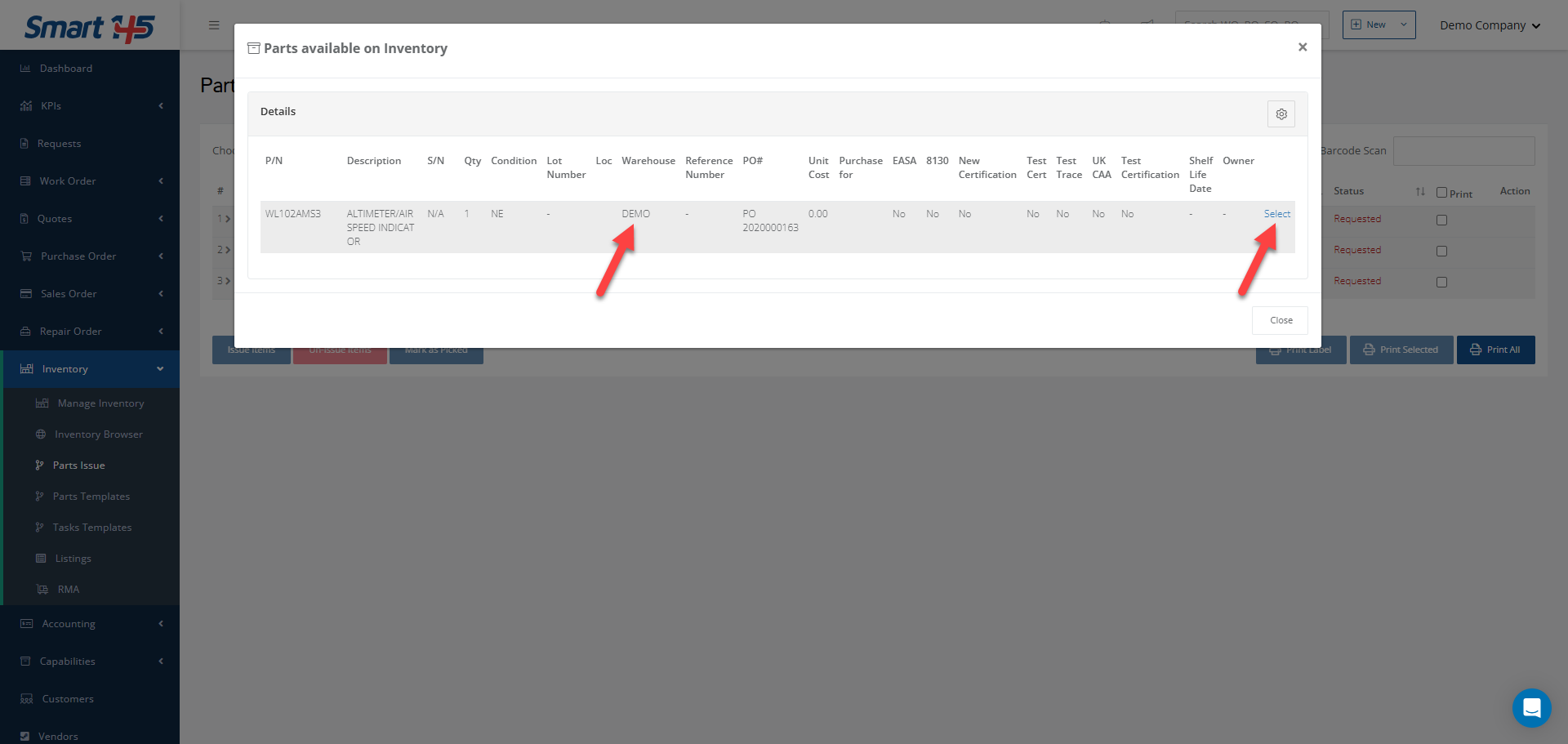
After this option is enabled, you just need to link the customer to a warehouse. To begin, go to the Customer module and locate the customer you want to update. From there, open the three-dot menu in the upper-right corner and select Edit. Once in the Edit tab, look for the Warehouses field. This field displays a dropdown list of available warehouses. After selecting the correct warehouse, simply click Save to apply the changes. As shown in the images below, even when a part number has multiple inventory lines available, the system will only allow issuing the inventory item that belongs to the warehouse assigned to that customer.