How to Create New Warehouses and Inventory Locations?
In Smart 145, Warehouses and Inventory Locations help maintain a clear and organized structure for your inventory. Warehouses represent the different storage facilities or physical locations where your stock is kept, while Inventory Locations serve as smaller internal sections within each warehouse. Using both ensures accurate tracking, improved inventory control, and smoother operational management.
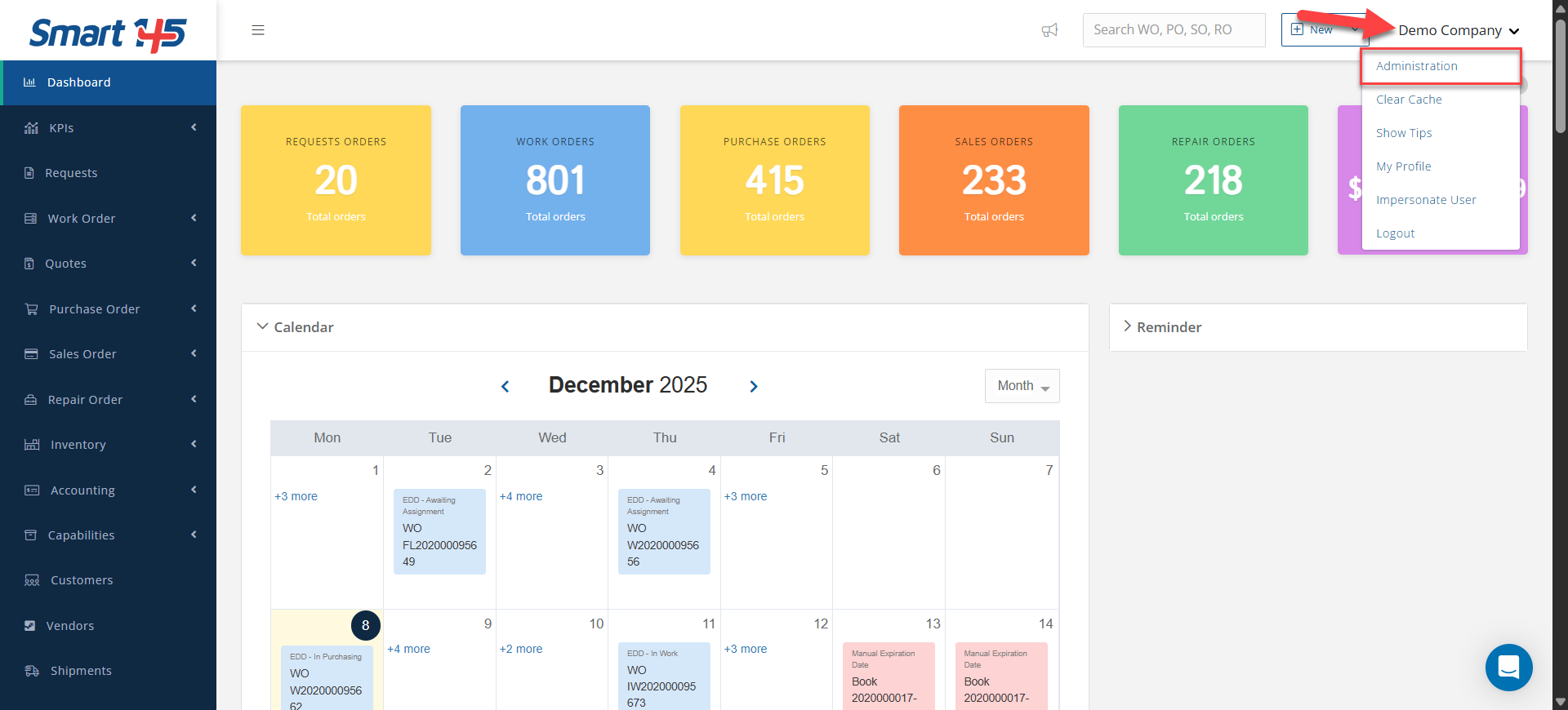
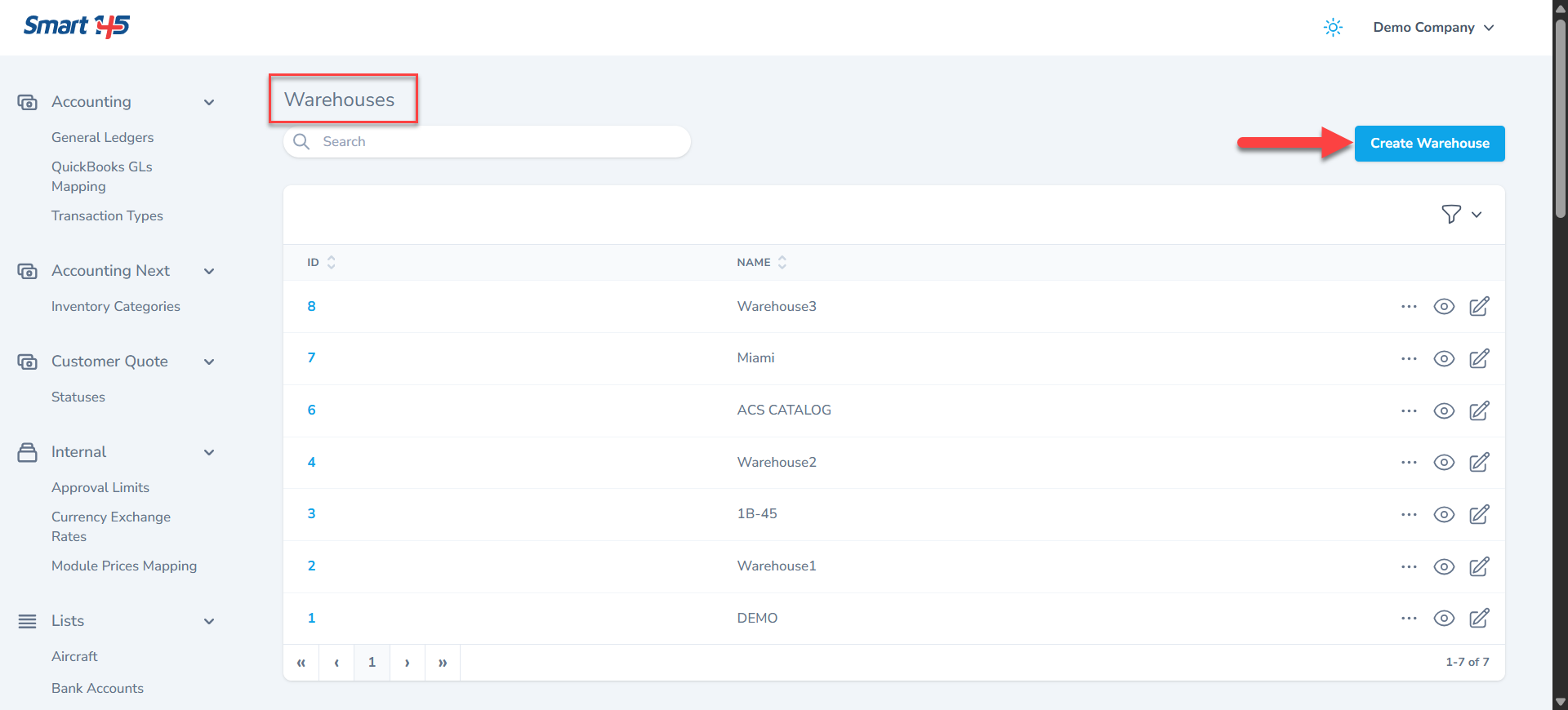
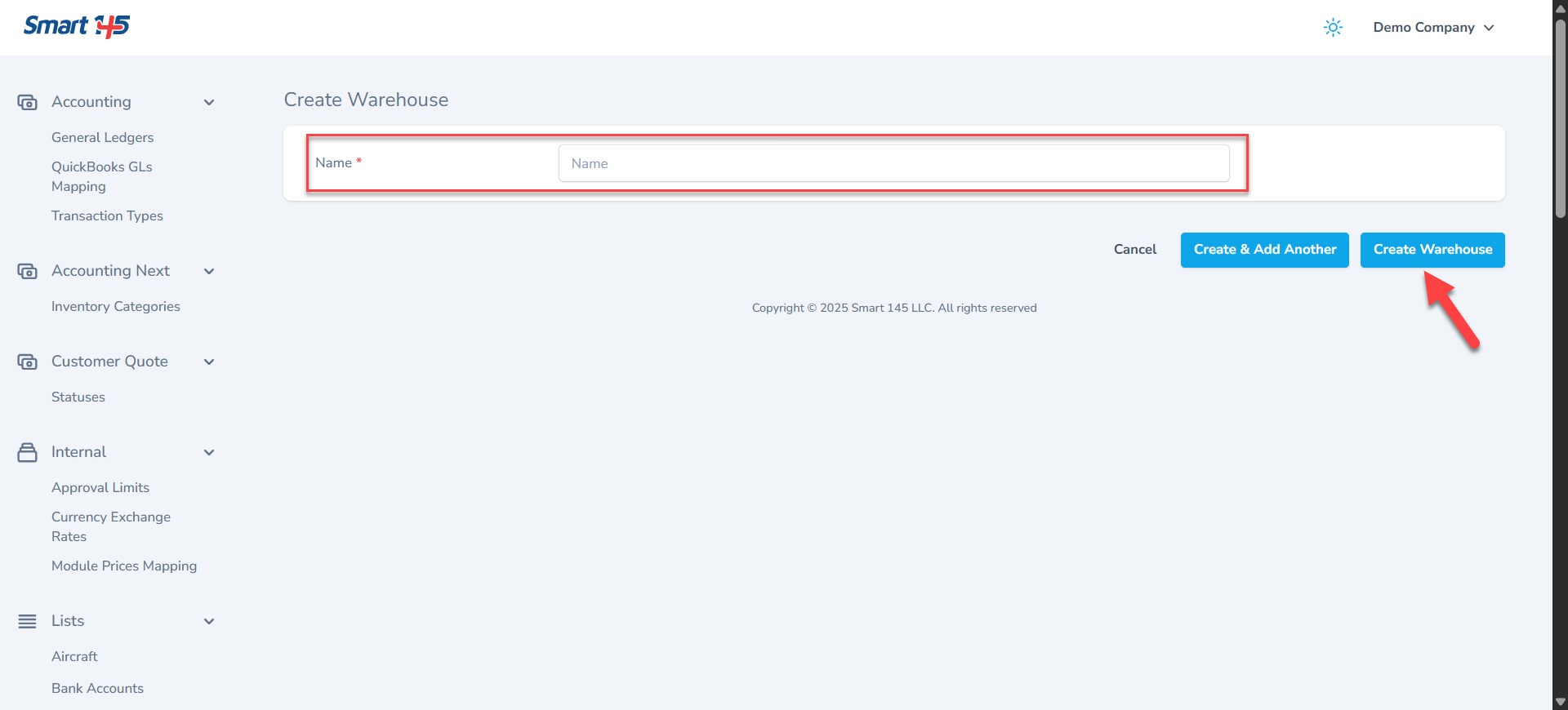
Only users with Admin access can create new warehouses and locations. If you have this access, open the Administration panel by clicking your name in the upper-right corner and selecting Administration from the dropdown menu. Creating a New Warehouse: First, go to the Lists module, open Warehouses, and click the 'Create Warehouse' button. Then, enter the Warehouse Name in the required field and click the 'Create Warehouse' button to save. The new warehouse will now appear in the lists across the system.
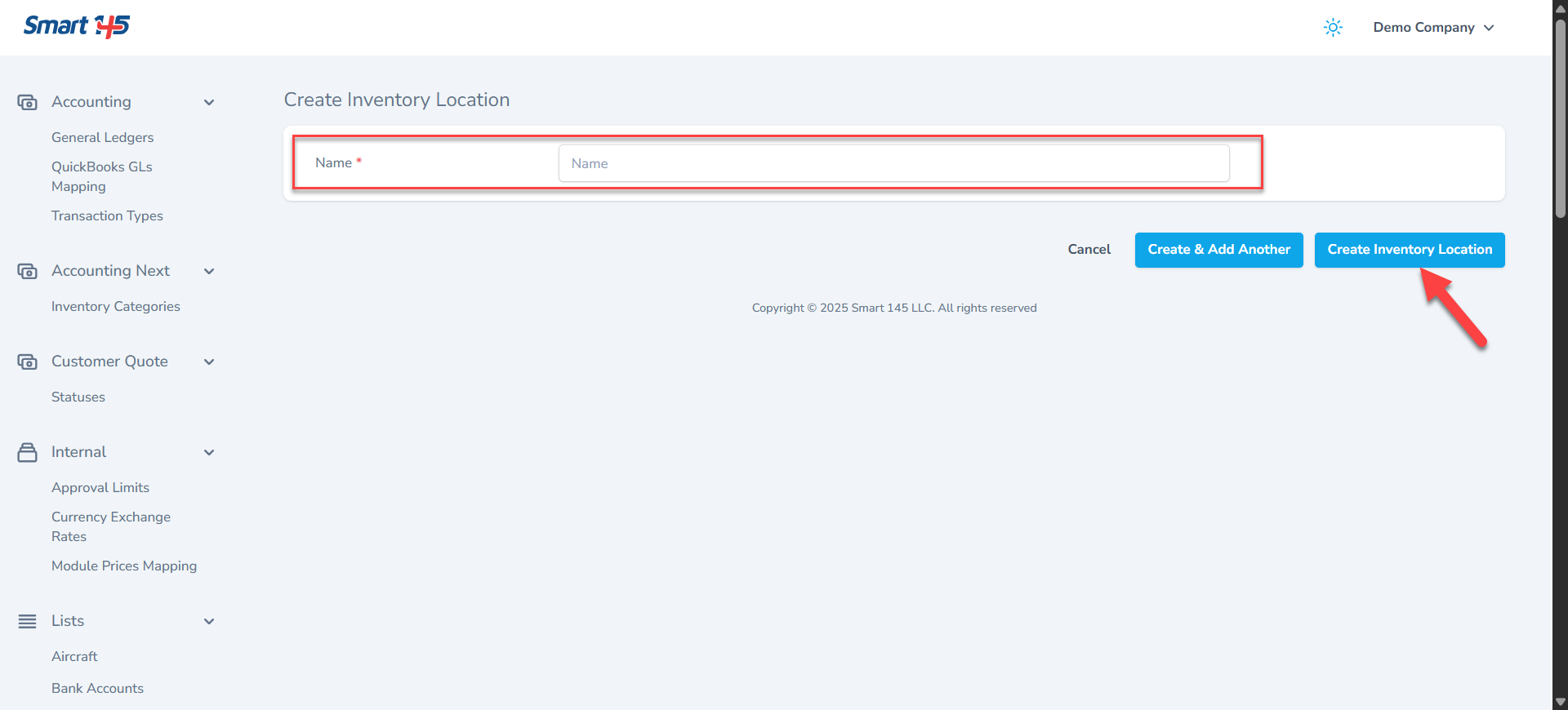
Creating a New Inventory Location: First, navigate to the Lists module, select Inventory Locations, and click the 'Create Inventory Location' button. Then, enter the Location Name in the required field and click the 'Create Inventory Location' button to save. The new location will now appear in the lists across the system.