How can I add a bank account when creating a check?
To create a new Bank Account, it is necessary to have Admin Access. Click "Administration" under your name on the top right corner.
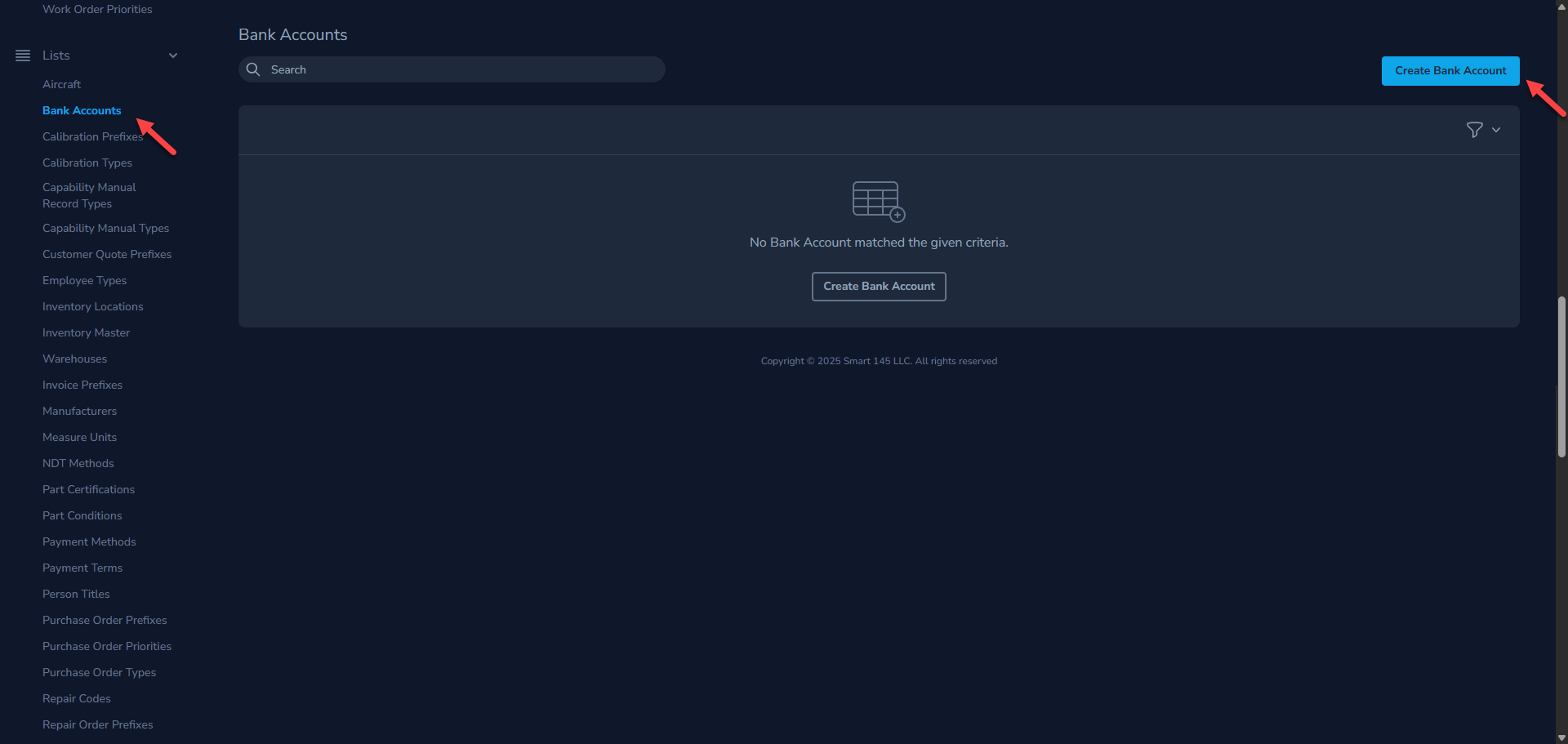
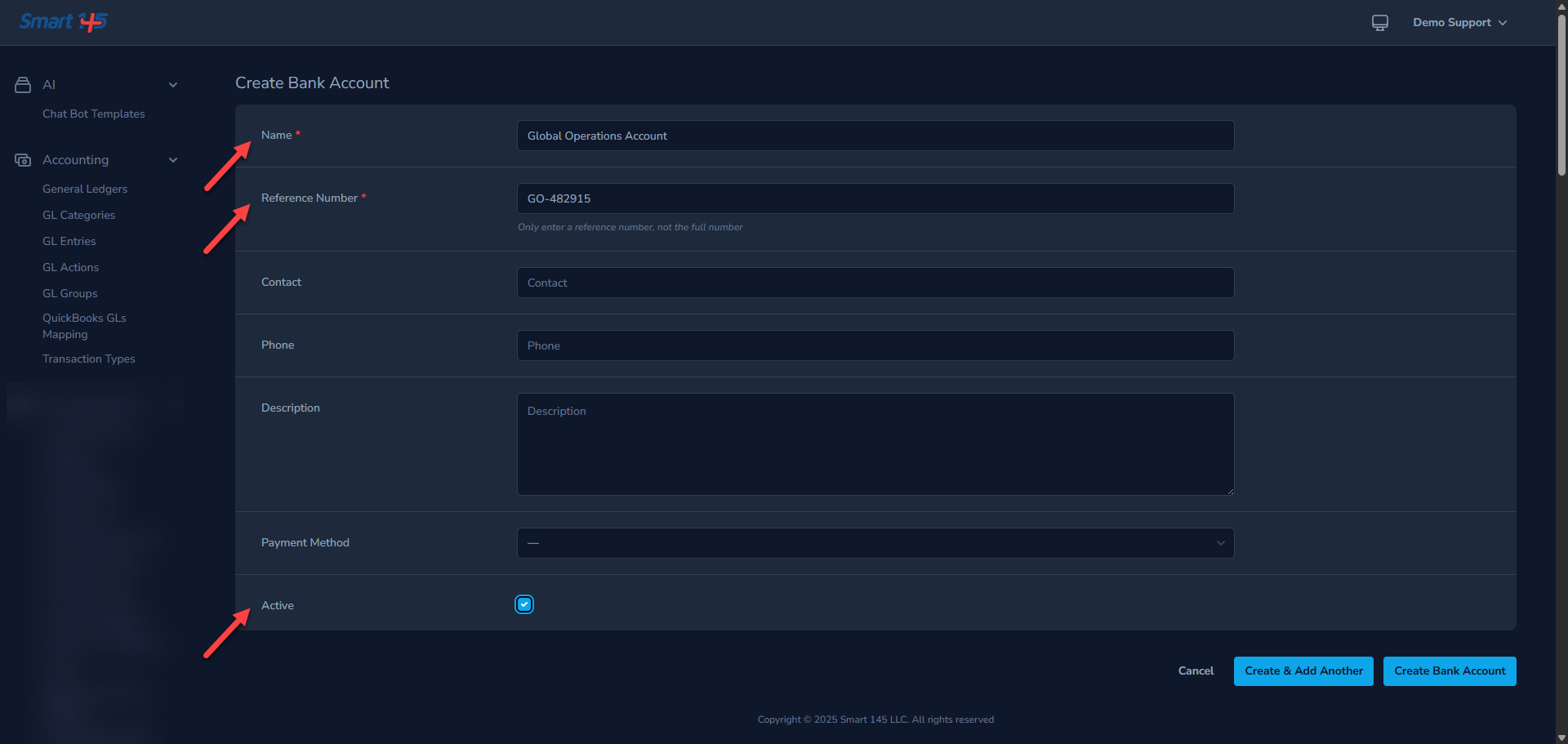
In Administration, navigate to Bank Account within the List module. Click the Create Bank Account button and make sure to complete all required fields. Before saving, ensure that the Active checkbox at the bottom of the tab is selected.
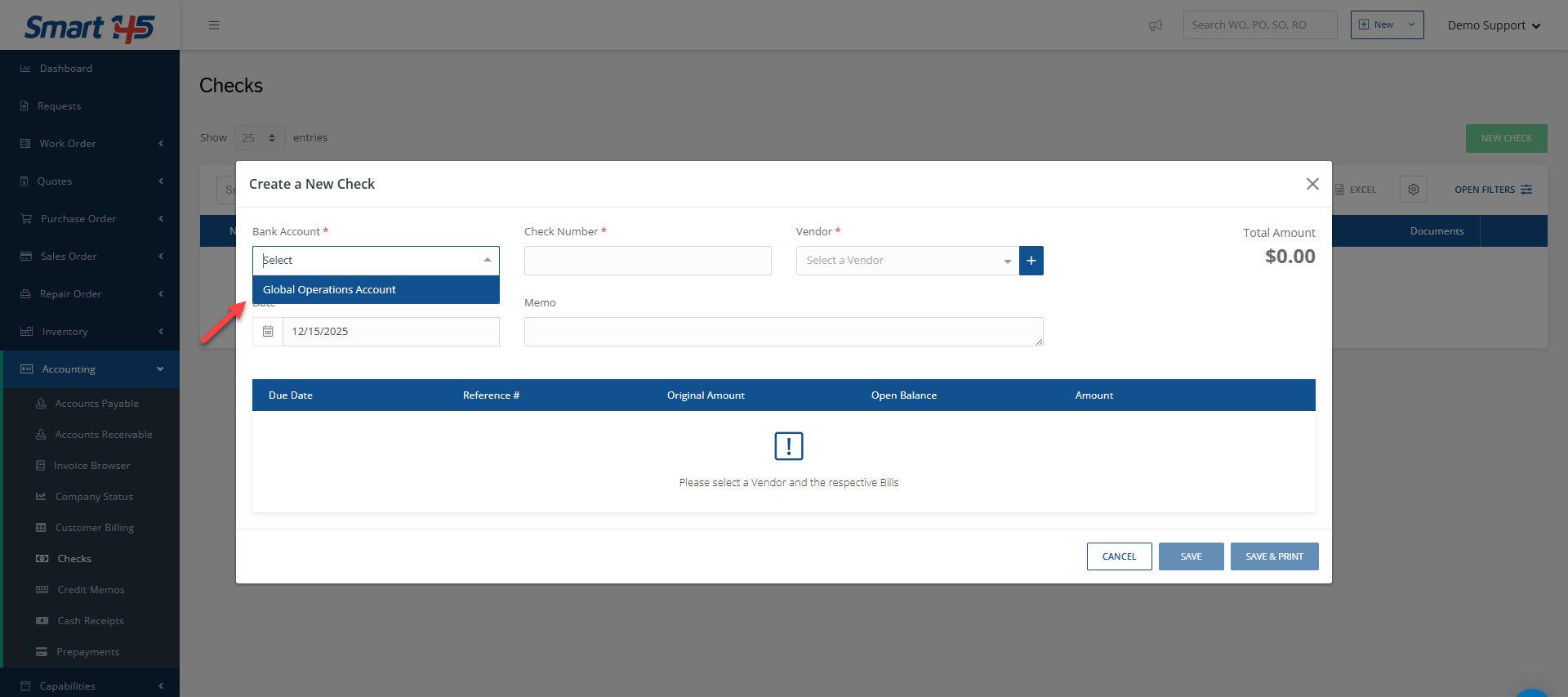
Now you will be able to select the Bank Account when creating the New Check.